A Small Desk Setup That Leaves Room to Work
Plan your screen, keyboard, light, and storage around the space you actually use, with fewer awkward compromises.

A small desk feels crowded when every accessory competes for the same patch of surface. The answer is not automatically a smaller version of everything. It is deciding which activities need permanent space and which can share it. A keyboard needs room while you type; a notebook might only need to come out during calls.
Start with the equipment you already own and a tape measure. This guide uses workspace guidance and practical layout checks, rather than hands-on product testing. The aim is a desk that handles an ordinary workday, including charging, note-taking, and the moment you put your coffee down.
Before you choose
- Measure usable depth and legroom before shopping for accessories.
- Protect the space for your hands before adding a shelf or second screen.
- Choose storage that makes a daily task easier, not just a photograph tidier.
Measure the working area, not only the desktop
Write down width, depth, and the clear space underneath the desk. A drawer unit can fit under the top while still leaving too little room for your knees. At the back, check the gap to the wall, any cable opening, and the thickness of the desktop. These details determine whether a clamp mount is even possible.
Place the keyboard, mouse, and main screen in their normal positions before measuring leftover space. CCOHS treats monitor distance as something to tailor to the person and the task. A screen that technically fits is not a good match if readable text requires you to lean toward it. Try display scaling before moving the screen closer.
Choose one screen arrangement
For a laptop-only setup, a riser plus a separate keyboard and mouse lets screen position and hand position be adjusted independently. That combination takes more pieces than a bare laptop, so check the complete footprint. A stand with a deep rear leg can consume surprising amounts of space on a shallow table.
For an external monitor, try the supplied stand first. Replace it with an arm only if the arm can move the display to a better position or free useful surface area. Some arms project behind the desk when folded. If the desk is against a wall, that movement may push the screen forward instead of saving depth.
Keep the input zone uncomplicated
A compact keyboard can make room for the mouse, but do not remove keys you use all day simply to gain a narrow strip of space. A tenkeyless layout retains dedicated navigation keys. A smaller layout may require shortcuts for those same actions. For regular spreadsheet entry, a separate number pad can come out only when needed.
Try a sheet of paper in the size of the proposed keyboard and mouse mat. Move your hand through normal pointer motions and open a notebook alongside them. This simple mock-up reveals whether your setup works during an actual task. CCOHS recommends keeping the keyboard directly in front of you and avoiding an unnecessary reach.
Add vertical storage selectively
A monitor shelf is useful when its underside holds something that would otherwise occupy the input area. Check clear width between the feet, not just the advertised overall width. A shelf that cannot accept your keyboard may become an expensive platform for a pen cup. Also check that it does not lift the screen above your preferred viewing position.
A clamp lamp or a wall-mounted shelf can release desktop space, but each needs a suitable mounting surface. Keep everyday objects within an easy reach and occasional supplies elsewhere. A single tray for an active notebook and a few loose items is often easier to maintain than several tiny containers.
Live with the layout before finishing it
Route cables loosely for the first few days. Leave room to move the screen, pull the laptop forward, and reach the power switch. Once the positions settle, reusable ties and a few cable clips are usually enough. A fixed sleeve can wait until you know which cables will actually remain at the desk.
At the end of a normal day, note what you moved repeatedly. If you keep putting a dock on the floor, it needs a better home. If the notebook always sits over the keyboard, reserve a clear writing zone. Buy the next accessory to resolve that observed problem; a matching accessory set rarely identifies it for you.
Options for the way you work
These are product types to compare, not hands-on test winners. Each link opens a retailer search where you can check current specifications, availability, and seller terms.
Compact keyboard without a number pad
Best for: A narrow desk used mainly for writing, browsing, and calls.
The tradeoff: Frequent numeric entry may justify a separate number pad and its storage space.
Check current options (opens a new tab)Low adjustable monitor shelf
Best for: A screen that needs a small lift and a keyboard that can park underneath.
The tradeoff: Fixed height and wide feet can limit fit; measure clearance before ordering.
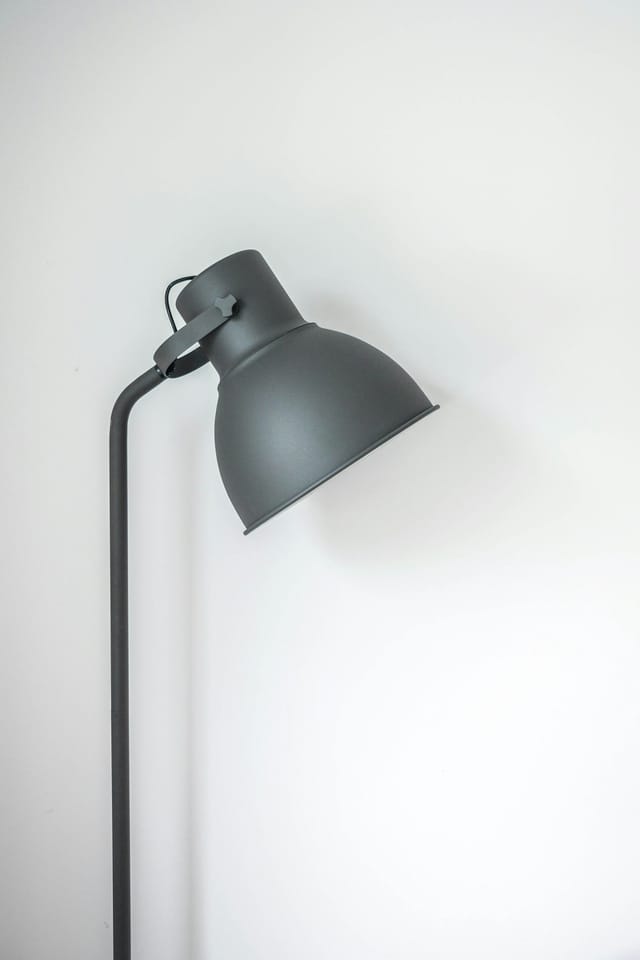
Check current options (opens a new tab)Clamp-mounted task lamp
Best for: A suitable desk edge where a lamp base would take valuable surface area.
The tradeoff: The clamp needs compatible thickness and a stable, unblocked edge.
Check current options (opens a new tab)A few common questions
Is a monitor arm essential for a small desk?
No. It is useful when its movement and mounting position improve the layout. A compact supplied stand can work better next to a wall or on a desktop that cannot accept a clamp.
Should I add a second monitor?
Only after identifying a task that needs it. Try your existing display with better window arrangement first, then check whether a second screen leaves usable depth and a clear primary viewing position.
What should I buy first?
Fix the most repeated inconvenience. That might be a separate keyboard, a better lamp, or a cable clip, rather than an entirely new desk.
Sources & further reading
Published references used to inform this guide. Product requirements can change; check the documentation for your exact equipment.
This article does not claim laboratory testing or personal ownership of the products discussed. Send a correction.