Stands & Arms
How to Choose a Laptop Stand for Your Actual Workday
Fixed, folding, or adjustable? Start with screen position, a separate keyboard, and the space your laptop really needs.
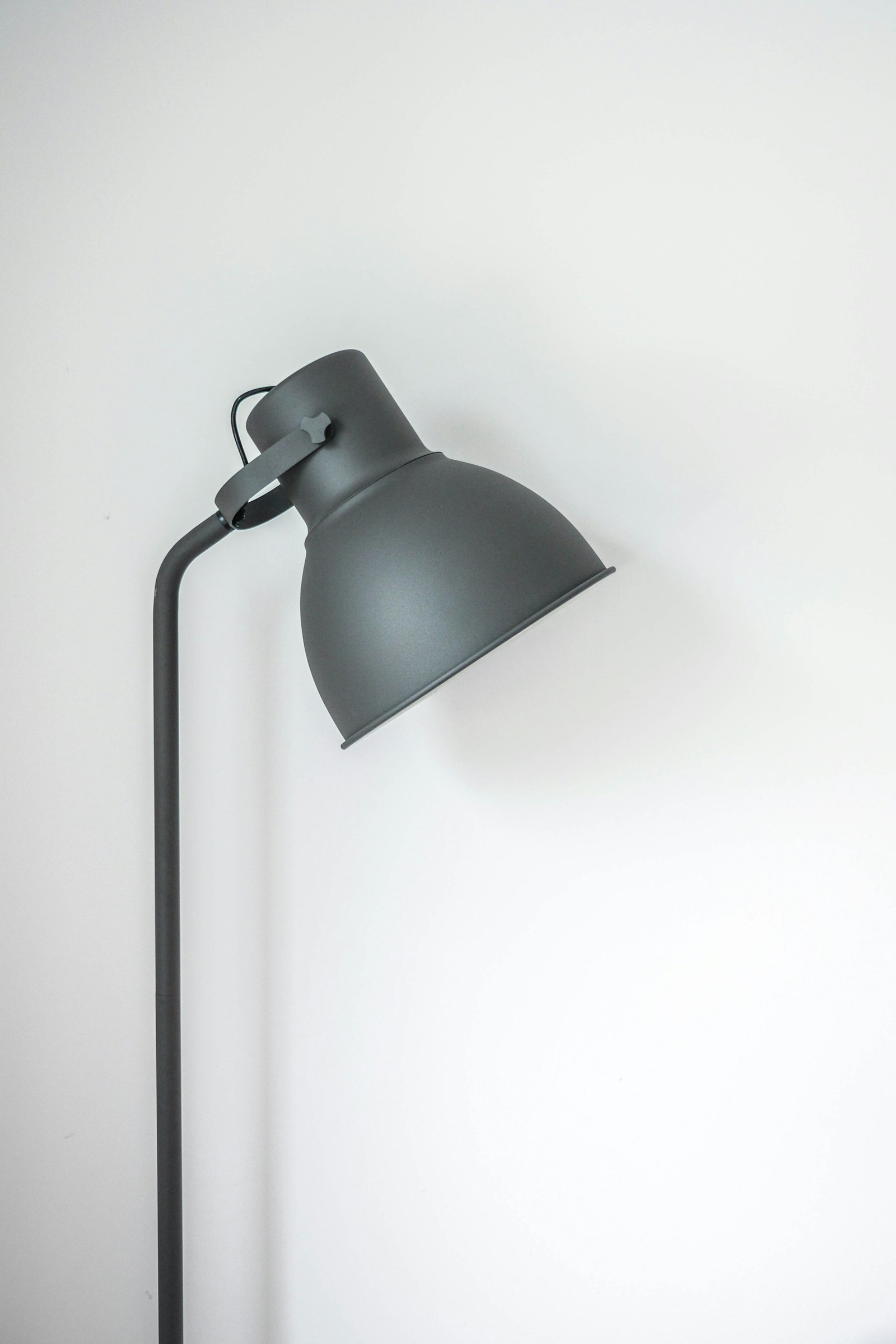
Better placement, softer light, and equipment that suits your routine.
18 considered guidesFixed, folding, or adjustable? Start with screen position, a separate keyboard, and the space your laptop really needs.
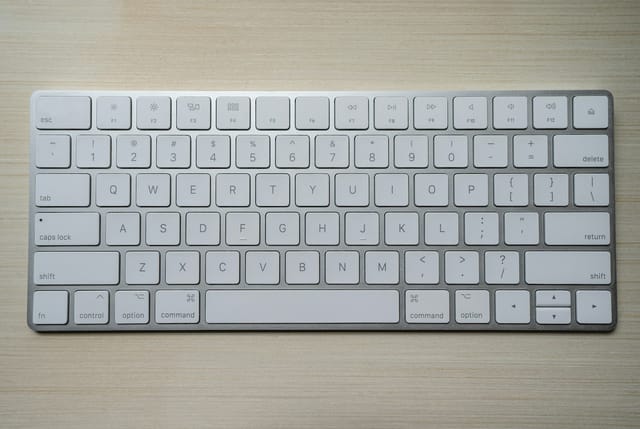
Typing feel matters, but so do sound, height, layout, and repair options. Choose the keyboard around the work you do.
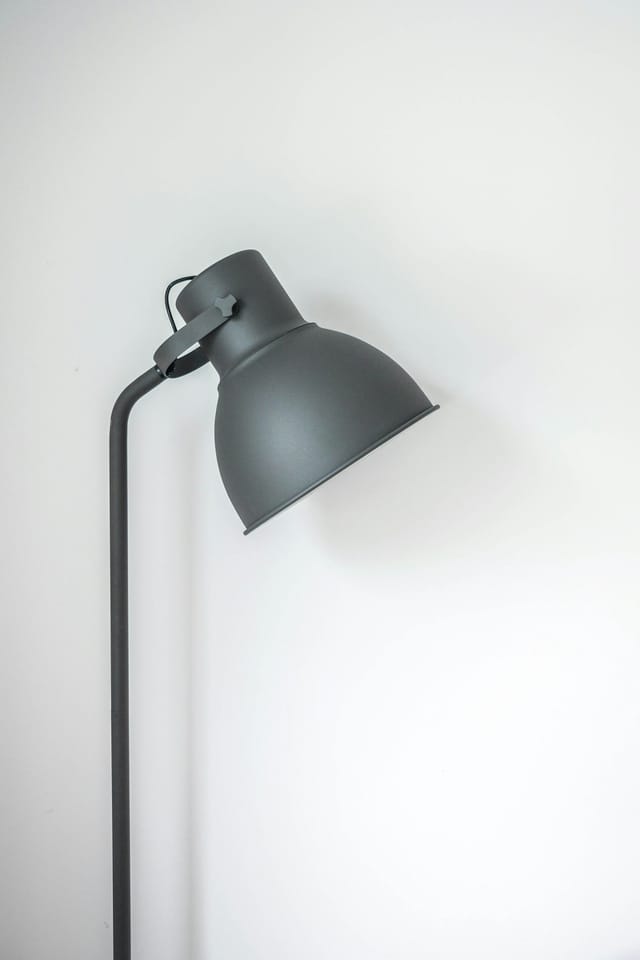
Judge a lamp by where it puts the light, how it adjusts, and the space it leaves for work.
A matching screen-size range is only the beginning. Check the display, mounting plate, movement, and desktop before ordering.
Switch noise is only part of the story. Listen for the space bar, desk resonance, and what your meeting microphone picks up.
Compare desk coverage, mounting, reflections, and the flexibility to move the light.
One mounting point looks tidy, but separate arms can be easier to position. The right choice depends on screens and desk geometry.
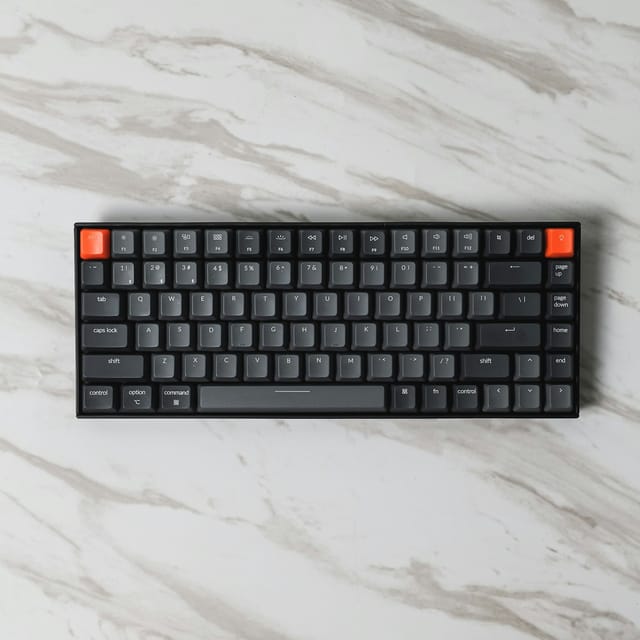
Choose between full-size, tenkeyless, 75%, 65%, and smaller layouts by counting the keys you actually use.
Use window direction, a simple diffuse light, and a camera preview to improve your everyday call setup.
Compare the two common desk attachments, including edge access, hole placement, furniture materials, and installation tradeoffs.
Shape, size, button reach, and placement matter more than an ergonomic label. Compare conventional, vertical, and alternative designs.
Find the source of a reflection before changing your monitor, lamp, or entire workspace.
Save desktop space without losing access to the ports, power button, cooling, and display support your laptop needs.
A stationary trackball saves movement space, while a mouse offers a familiar motion. Compare control, learning, and maintenance.
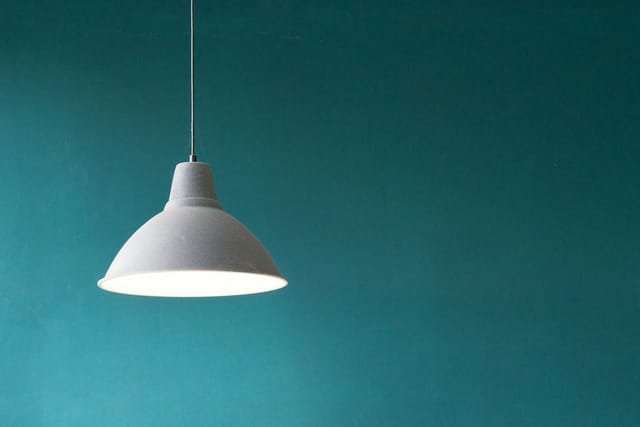
Compare clamp lamps, compact bases, and monitor-mounted lights for a limited work surface.
A riser adds a shelf. An arm adds positioning freedom. Compare height, installation, storage, and how often your screen moves.
Compare cloth, felt, and wipe-clean surfaces by mouse tracking, writing feel, edge finish, cleaning, and the space you use.
Separate lumens, lux, kelvin, and dimming so the specification sheet helps you choose.