Compact Keyboard Layouts: What You Gain and What You Lose
Choose between full-size, tenkeyless, 75%, 65%, and smaller layouts by counting the keys you actually use.
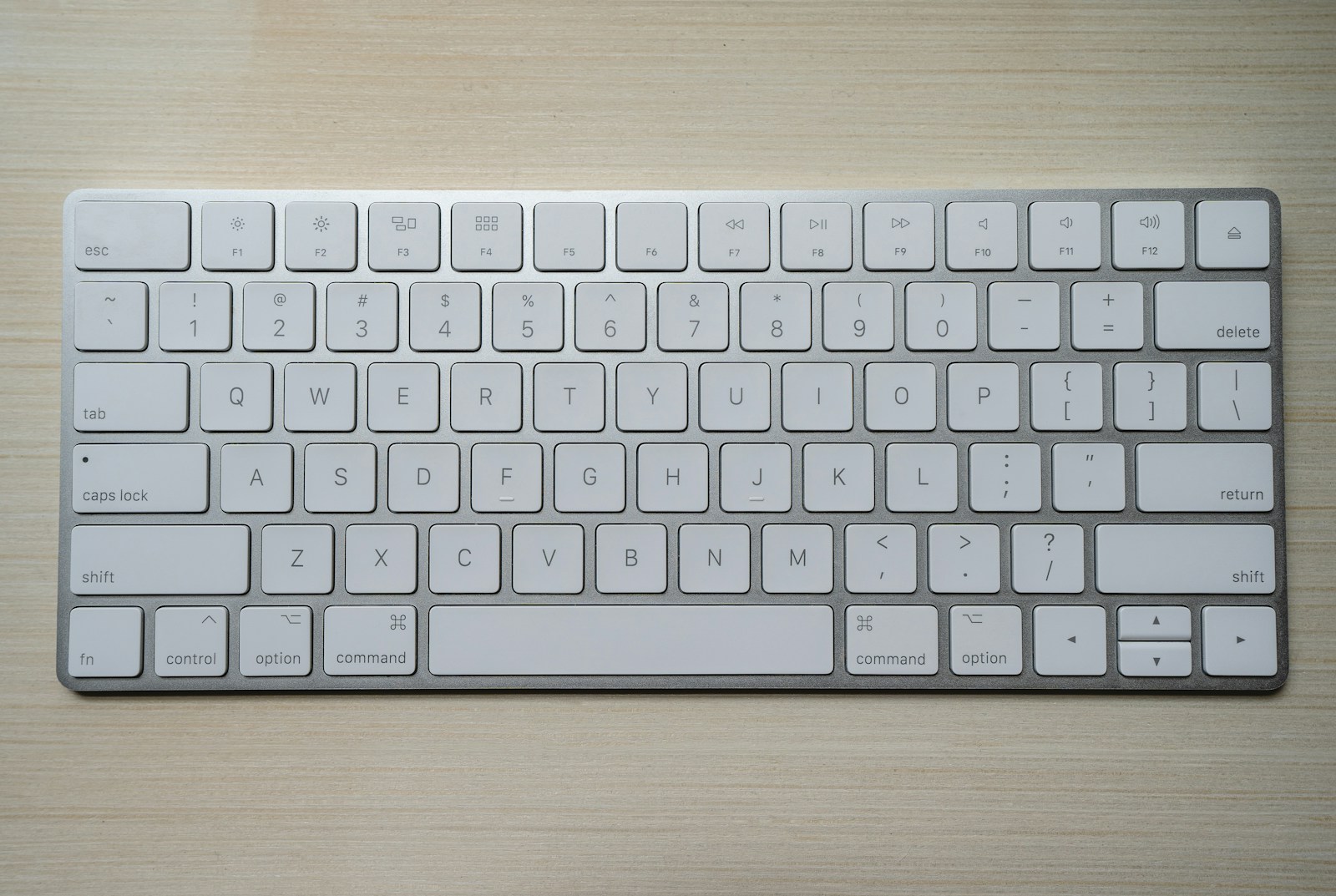
A compact keyboard can bring the mouse closer and make a narrow desk easier to use. It can also hide frequently used keys behind combinations that slow down an otherwise familiar workflow. The useful question is not how small a keyboard can be, but which keys deserve a permanent place under your fingers.
Keyboard percentages are loose category labels rather than a precise standard. Always inspect the actual layout, dimensions, and function-layer documentation before ordering.
Before you choose
- A tenkeyless layout removes the number pad while keeping familiar navigation keys.
- Smaller percentages may relocate or layer keys you use every day.
- A separate number pad provides flexibility, but creates another device to manage.
Count your real keyboard habits
For a day or two, notice when you use the number pad, function row, arrows, Delete, Home, End, Page Up, and Page Down. Spreadsheet work, coding, writing, and media editing make different demands. A keyboard that looks wonderfully minimal in a photograph can be frustrating if a favorite shortcut now requires a third key.
Also consider whether you use the keyboard on a shared computer or move between it and a laptop. Consistency may be worth some additional width. If you frequently help another person at the same desk, an unusual layered layout creates a learning requirement for them as well as for you.
Understand the common size categories
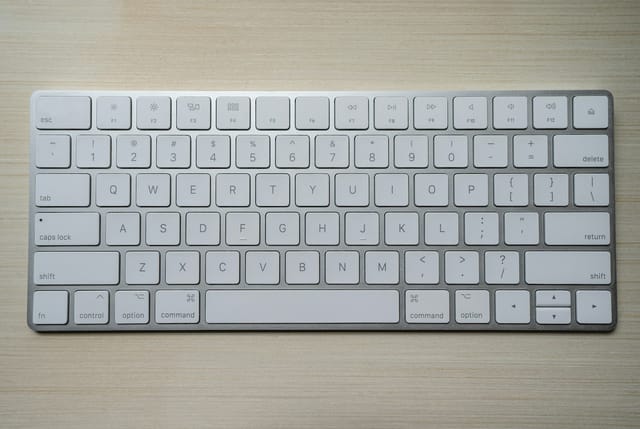
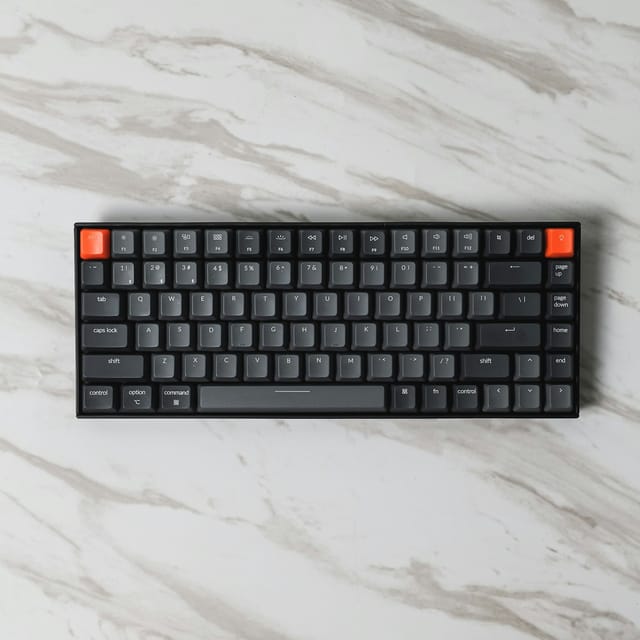
A full-size keyboard usually includes a number pad and a separate navigation area. Tenkeyless, often called TKL, removes the number pad while retaining a familiar function row and navigation cluster. A 75% layout generally keeps a function row and arrow keys but compresses the arrangement, often reducing gaps and the number of dedicated navigation keys.
A 65% layout usually keeps arrow keys while removing the separate function row. Many 60% layouts put arrows and function keys on layers, although exceptions exist. The label alone does not guarantee a particular key set. Compare clear top-down images and the manual, especially for Delete and right-side modifier sizes.
| Layout family | Typical reason to choose it | Check carefully |
|---|---|---|
| Full-size | Frequent number-pad use | Total width and mouse reach |
| Tenkeyless | Familiar keys without a number pad | Whether you will miss numeric entry |
| 75% | Function row in a narrower footprint | Navigation keys and spacing |
| 65% or smaller | Maximum room for the mouse | Layers, arrows, and shortcuts |
Measure the mouse benefit
CCOHS notes that a shorter keyboard offers more flexibility in mouse placement and can reduce reaching. The actual benefit depends on how you position both devices. Center the typing area relative to your body, then place the mouse comfortably beside it. Centering the complete full-size keyboard, including the number pad, can shift the letter keys away from you.
Measure the space the mouse uses during ordinary work, not only while it is parked. A few inches saved by removing the number pad may be enough; you do not necessarily need the smallest available layout. Left-handed mouse users and people who use a centered pointing device may experience a different set of space tradeoffs.
Check layers and remapping before buying
Look up how the keyboard accesses missing keys. Some provide clear secondary legends and straightforward combinations; others rely on memorized layers. Consider whether you can perform your common shortcuts while holding the required function key. A layout that is convenient for plain typing may be awkward in a spreadsheet or development tool.
Remapping can help, but confirm where settings are stored and whether software is required. An employer-managed computer may prevent installation, and settings that live only in an app may not follow the keyboard to another device. Check operating-system support and the physical language layout rather than assuming all variants are interchangeable.
Decide whether a separate number pad helps
A standalone number pad can stay in a drawer until a data-entry task, or sit on the left while the mouse stays close on the right. That flexibility is useful when numeric work is occasional. For someone entering figures all day, a familiar integrated pad may still be simpler and more consistent.
Check the separate pad's connection, battery requirements, and key behavior on your operating system. Some extra function keys rely on software. If portability matters, remember that a compact keyboard plus a pad can be more cumbersome to carry than one larger board. Choose the smallest arrangement that keeps your regular work straightforward, not the smallest advertised percentage.
Options for the way you work
These are product types to compare, not hands-on test winners. Each link opens a retailer search where you can check current specifications, availability, and seller terms.
Tenkeyless keyboard
Best for: A first move to a narrower keyboard with familiar arrows and navigation.
The tradeoff: Frequent numeric entry becomes less convenient without a separate pad.
Check current options (opens a new tab)75% keyboard
Best for: Keeping a dedicated function row while saving additional width.
The tradeoff: Compressed navigation and key spacing take some adjustment.
Check current options (opens a new tab)65% keyboard with clear layer legends
Best for: A small desk where arrow keys matter more than a dedicated function row.
The tradeoff: Function-key shortcuts and some navigation require combinations.
Check current options (opens a new tab)A few common questions
Does 75% mean a standard set of keys?
No. The label describes a broad layout family. Key positions, widths, and included navigation keys vary, so inspect the specific model.
Is a compact keyboard automatically ergonomic?
No. Reduced width can help placement, but height, key action, desk setup, and your tasks still matter. A layout that creates awkward repeated combinations may be a poor fit.
Can I use a separate number pad on the left?
Usually, provided the device supports your computer and software. Try the arrangement before committing if you are accustomed to right-handed numeric entry.
Sources & further reading
Published references used to inform this guide. Product requirements can change; check the documentation for your exact equipment.
This article does not claim laboratory testing or personal ownership of the products discussed. Send a correction.