How to Choose a Quiet Keyboard for a Shared Workspace
Switch noise is only part of the story. Listen for the space bar, desk resonance, and what your meeting microphone picks up.
A quiet keyboard is a considerate choice in a shared office, bedroom workspace, or home where somebody else is on a call. But quiet is not a standardized promise on most product listings. Two keyboards described as silent can sound quite different, and the same keyboard can seem louder on a hollow desk than on a more solid surface.
Instead of choosing by one label, separate switch sound, large-key rattle, and desk-transmitted noise. Then confirm the layout and feel still work for you.
Before you choose
- Avoid intentionally clicky switches when minimizing sound is the priority.
- Listen to the space bar and ordinary typing, not just one gently pressed key.
- A desk mat may change resonance, but it cannot remove an intentional switch click.
Identify the noise you are trying to reduce
Typing sound can come from the switch mechanism, the key reaching the bottom of its travel, the return stroke, and the keyboard case. Larger keys have stabilizing hardware that can add their own sound. A keyboard marketed with quiet letter switches may still have a prominent space bar, Enter key, or Backspace.
Think about your actual environment. A colleague sitting beside you hears the room directly; a remote colleague hears your microphone, processing, and call software. A keyboard that is acceptable during an ordinary daytime office can be distracting in a quiet bedroom. Set the buying criterion around the person sharing that environment.
Compare practical keyboard families
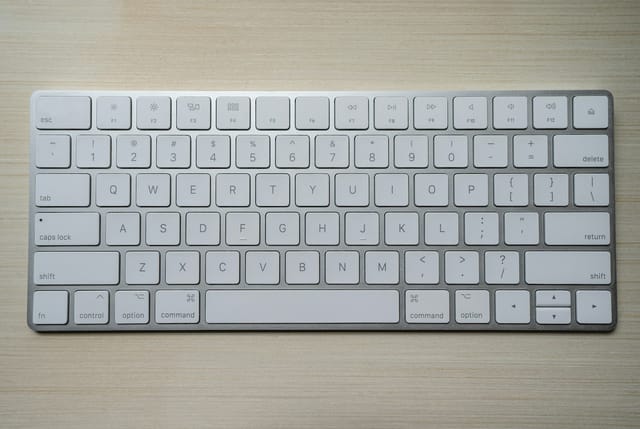
Low-profile scissor keyboards are a reasonable starting point when you want a familiar laptop-like action without pursuing customization. Their short travel can feel easy to adapt to, though sound varies by model. Rubber-dome keyboards are another option, but do not assume a basic membrane board is quiet simply because it is not mechanical.
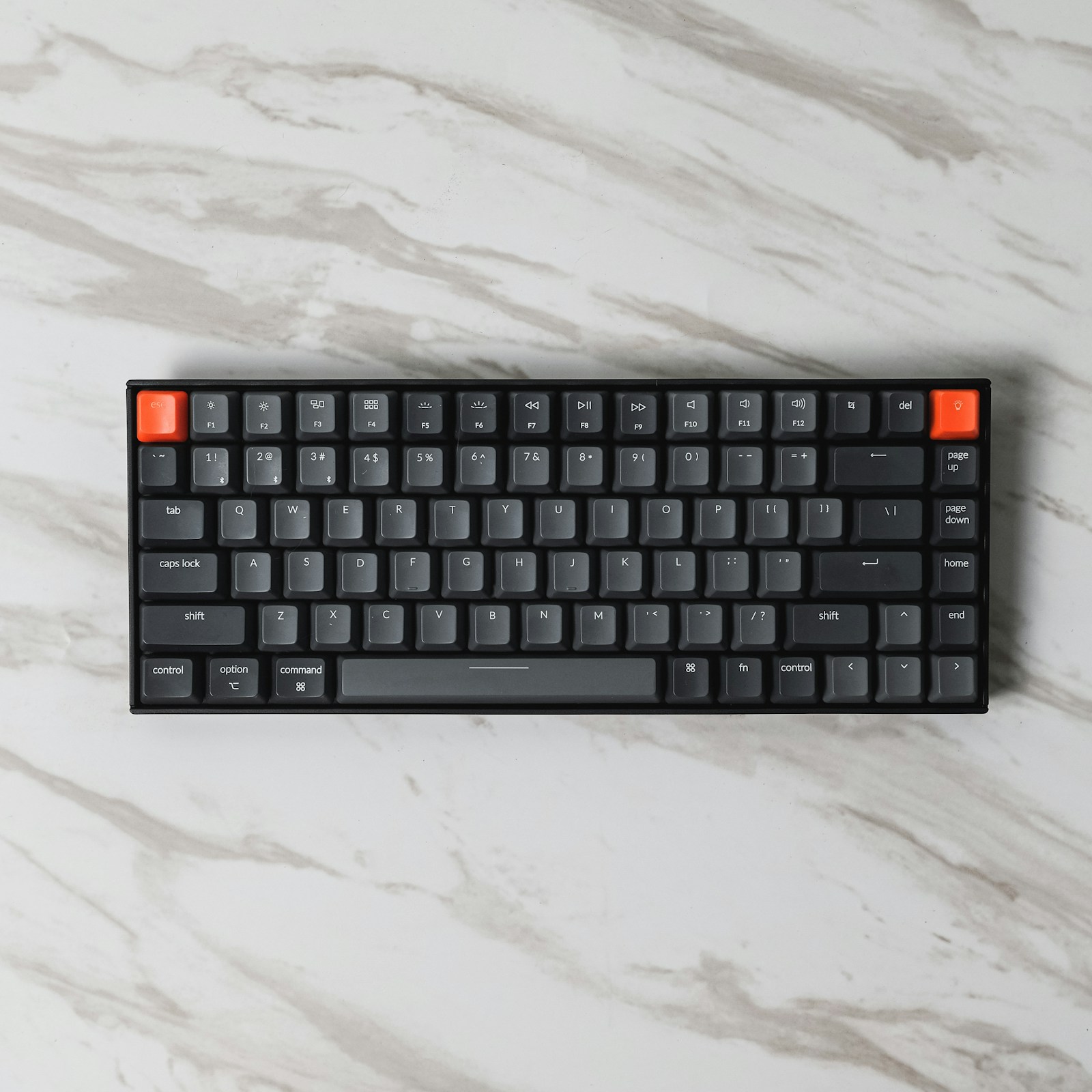
Mechanical keyboards with explicitly silent or damped switches offer another route. Check whether the exact configuration includes those switches; many product pages combine several options under one listing. Non-clicky linear or tactile switches are not the same as silent switches. They remove an intentional click but may still produce noticeable bottom-out and return noise.
Use recordings carefully
A useful recording shows normal typing, including the space bar, with the keyboard configuration clearly identified. Comparisons made in the same room with the same microphone are more informative than unrelated videos. Microphone distance, automatic gain, room echo, and post-processing can change perceived loudness dramatically.
Do not compare decibel numbers unless the measurement method and conditions are comparable. A product page rarely gives enough information for that. Read return terms and, when possible, try the board in your own room. Keep packaging while you check both sound and ordinary typing accuracy over a few representative work sessions.
Reduce desk noise without hiding a bad fit
A soft mat under the keyboard may change vibration and the character of the sound transmitted into the desk. It will not silence an intentional click, and results depend on the keyboard and surface. Check that the mat keeps the board stable and does not make the typing surface too high or interfere with nearby mouse movement.
Avoid choosing an extremely light switch solely because you think it will encourage gentle typing. A switch that triggers accidental keystrokes can add correction work. CCOHS recommends an appropriate key action that does not require excessive force or cause unwanted characters. Fit and control remain relevant even when noise is the main shopping priority.
Check the whole call setup
Make a local recording with the microphone and application you normally use. Type at your ordinary pace, pause, and speak while typing. This reveals more than listening with your ear close to the keyboard. A microphone positioned near your mouth and farther from the keyboard may capture a different balance, depending on its pickup pattern.
Software noise suppression can help in some situations, but do not rely on it to rescue a deliberately loud board. It may also affect the naturalness of speech. Choose a keyboard that is reasonable in the room first, then adjust the microphone setup. Remember that quiet mouse clicks and desk tapping can become noticeable once the keyboard is quieter.
Options for the way you work
These are product types to compare, not hands-on test winners. Each link opens a retailer search where you can check current specifications, availability, and seller terms.
Quiet low-profile scissor keyboard
Best for: Shared desks where familiar typing and minimal setup are priorities.
The tradeoff: Limited repair and switch customization; sound still varies by model.
Check current options (opens a new tab)Keyboard with factory-installed silent switches
Best for: Mechanical-switch preference without intentionally clicky typing.
The tradeoff: Case and stabilizer noise remain, and damped feel may not suit everyone.
Check current options (opens a new tab)Compact quiet keyboard with separate number pad
Best for: A small desk where numeric entry is only occasional.
The tradeoff: Two devices require more setup and may have different sound and key feel.
Check current options (opens a new tab)A few common questions
Are red switches always quiet?
No. Color names vary, and a linear switch can still make substantial impact and return noise. Look for the actual switch specification and exact keyboard recordings.
Will rubber rings make any keyboard silent?
No. Such modifications affect only certain parts of key travel on compatible designs and can change feel. They do not address every source of noise.
Should I buy a desk mat first?
It may help with desk-transmitted sound and is worth trying if you already like your keyboard. It will not remove an intentionally clicky mechanism.
Sources & further reading
Published references used to inform this guide. Product requirements can change; check the documentation for your exact equipment.
This article does not claim laboratory testing or personal ownership of the products discussed. Send a correction.