Mechanical vs. Membrane Keyboards for Everyday Office Work
Typing feel matters, but so do sound, height, layout, and repair options. Choose the keyboard around the work you do.
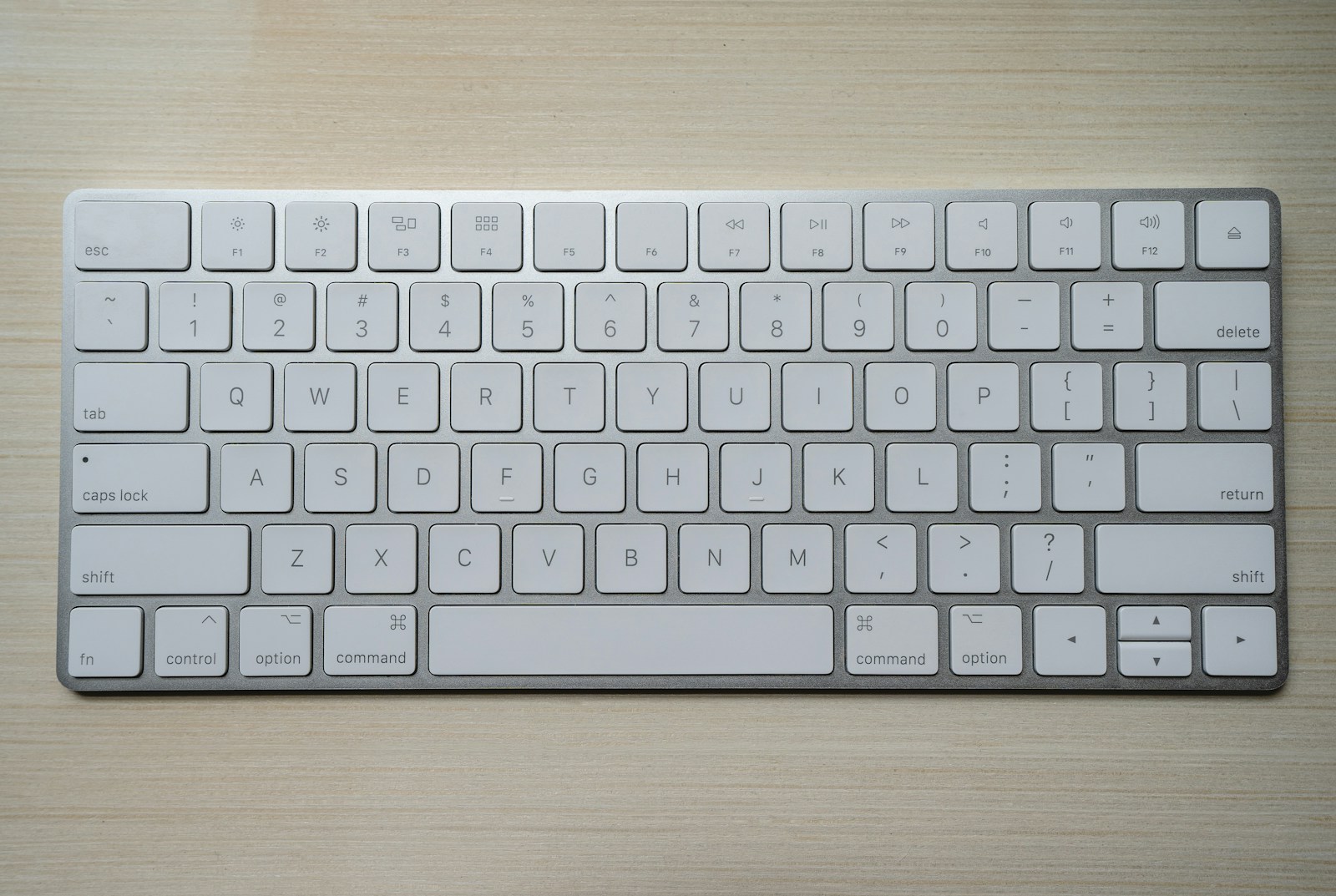
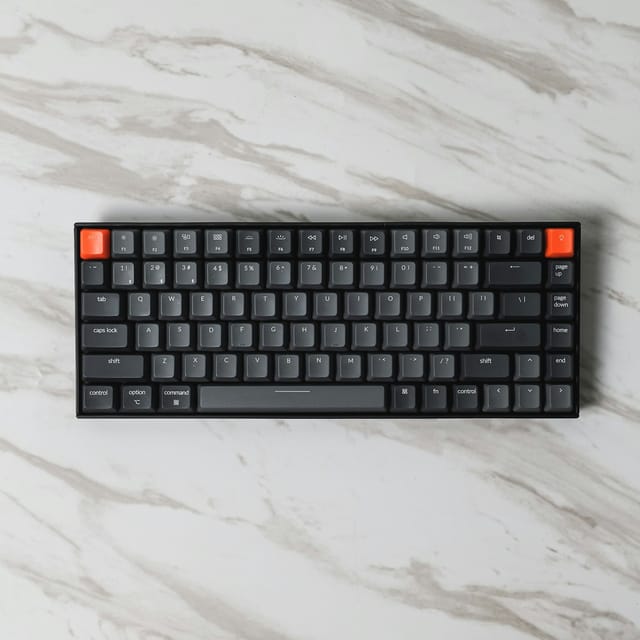
Mechanical keyboards use individual switch mechanisms beneath the keys. Many membrane keyboards use rubber domes over a membrane circuit, while familiar low-profile office keyboards often add a scissor mechanism to stabilize the keycaps. These construction choices influence feel, but they do not determine whether a keyboard is comfortable, quiet, or well suited to your desk.
For everyday work, begin with your layout and sound requirements. Then compare the specific keyboard rather than treating one switch family as an automatic upgrade.
Before you choose
- Mechanical does not necessarily mean loud, and membrane does not guarantee quiet.
- Keyboard height and layout affect placement just as much as switch feel.
- Check replaceable parts, operating-system support, and connection options on the actual model.
What changes under your fingers
Mechanical designs are available with linear movement, a tactile bump, or an intentional click, among other variations. Switch force, travel, keycap shape, and the keyboard's mounting structure all contribute to the typing experience. The color used to describe a switch is not a universal standard across brands, so read the actual switch description.
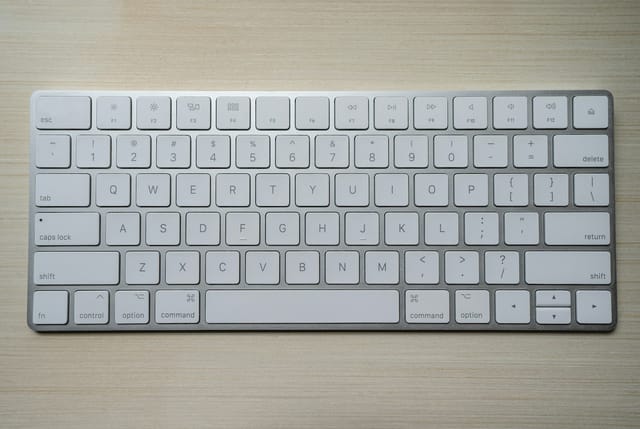
Rubber-dome and scissor keyboards can feel familiar to laptop users and often come in relatively slim designs. Some people prefer their shorter movement; others prefer more travel or a more distinct tactile signal. Neither preference proves better typing performance. CCOHS recommends trying different keyboard models because there is no universally best design.
Judge sound as a complete-system property
A clicky switch deliberately produces a click. A non-clicky mechanical switch can still make noticeable noise when the key reaches the bottom or returns to the top. Larger keys such as the space bar may sound different because of their stabilizers. The case, desk surface, and your typing force also influence what colleagues hear.
Membrane keyboards are not silent by definition; a loose space bar or hollow case can be conspicuous in a quiet room. When sound matters, look for recordings of the exact model and switch configuration, then treat them as comparative clues rather than calibrated measurements. A reasonable return policy is more useful than an unsupported silent label.
Consider height, tilt, and mouse reach
A tall keyboard can make your hands sit differently from a low-profile office board. Raising the rear feet may increase wrist extension for some desk positions; the feet are an adjustment option, not a mandatory setting. Aim for a neutral relationship between hands and forearms, and review chair and desk height together.
A full-size number pad also changes where a right-handed mouse sits. A shorter keyboard can bring the pointer closer, particularly if you rarely enter numeric data. CCOHS specifically notes that shorter keyboards can reduce reaching and provide more mouse-placement options. A compact layout that removes keys you constantly need creates a different cost, so keep your workflow in view.
Check what can actually be replaced
Some mechanical keyboards allow switches to be replaced without soldering, but hot-swap support is a specific feature, not a property of every mechanical board. Switch sockets, pin layouts, low-profile formats, and keycap sizes may limit replacement options. Read the manufacturer's compatibility list before assuming any attractive keycap or switch set will fit.
Many membrane and scissor boards are simpler sealed products with fewer user-serviceable parts. That may be perfectly acceptable if you want a familiar keyboard and no customization project. Compare warranty, cleaning instructions, battery replacement where applicable, and the cost of replacing the complete board alongside any advertised lifespan figure.
Buy the layout and connection you need
Check the physical key layout, language, and operating-system legends. ANSI and ISO layouts differ in more than the printed characters, and a missing key can matter if you rely on a particular shortcut. Confirm media controls, function-key behavior, and whether remapping features require software you can install on a work computer.
For connectivity, wired USB removes battery management; wireless models may provide Bluetooth, a USB receiver, or both. Verify the receiver type and whether the keyboard can switch among your devices. The more ordinary these details feel, the easier it is to overlook them while comparing switches, even though they shape every working day.
Options for the way you work
These are product types to compare, not hands-on test winners. Each link opens a retailer search where you can check current specifications, availability, and seller terms.
Low-profile scissor office keyboard
Best for: Laptop-style familiarity and a straightforward, slim work setup.
The tradeoff: Switches and keycaps are usually less customizable or serviceable.
Check current options (opens a new tab)Mechanical keyboard with silent switches
Best for: A more defined switch choice in a workspace where sound still matters.
The tradeoff: Silent switches do not eliminate space-bar, case, or desk-transmitted sound.
Check current options (opens a new tab)Hot-swappable mechanical keyboard
Best for: Someone who wants to change switch feel without replacing the entire board.
The tradeoff: Requires attention to switch compatibility and can become a separate hobby.
Check current options (opens a new tab)A few common questions
Will a mechanical keyboard make me type faster?
That is not guaranteed. Familiarity, layout, technique, and individual preference matter. Choose a board you can use accurately and comfortably rather than buying a speed promise.
Are all mechanical keyboards loud?
No. Switch mechanisms and keyboard construction vary, but even a quiet model makes some sound. Compare the exact configuration when room noise matters.
Do I need a wrist rest?
It depends on keyboard height and your overall setup. CCOHS advises matching any support to the keyboard and avoiding sustained pressure directly on the wrists.
Sources & further reading
Published references used to inform this guide. Product requirements can change; check the documentation for your exact equipment.
This article does not claim laboratory testing or personal ownership of the products discussed. Send a correction.