Monitor Light Bar vs. Desk Lamp: Where Each Works Best
Compare desk coverage, mounting, reflections, and the flexibility to move the light.
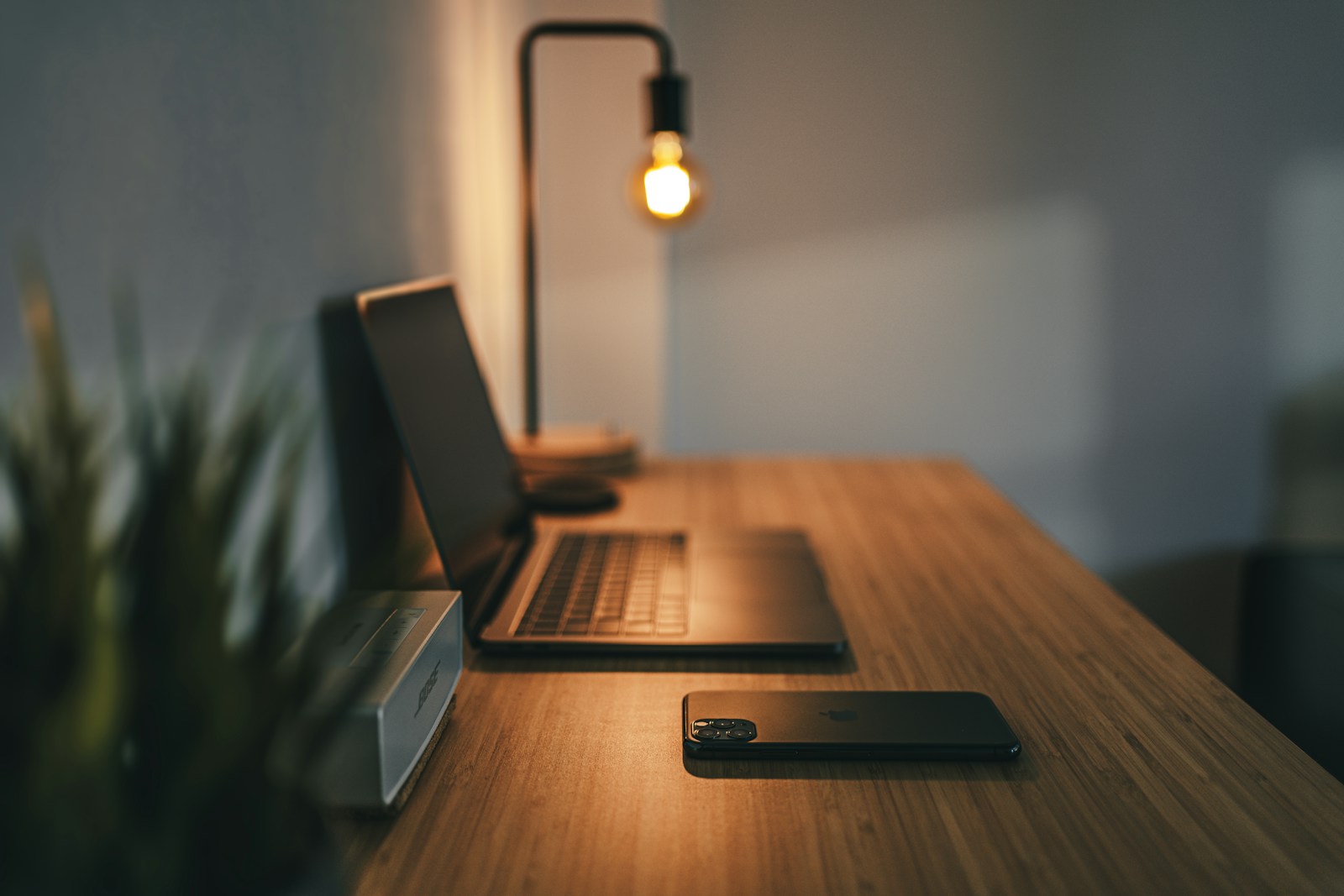
A monitor light bar uses the top of the screen as a mounting point, leaving more desk space clear. A desk lamp gives you a separate source that can often move farther toward paper, a book, or a craft task. Both can work well, but their placement creates different strengths and compromises.
Choose around the area that needs lighting, not just the visual appeal of a clear desktop. A light bar is not automatically a complete room-lighting solution, and a desk lamp is not automatically the source of screen glare. The beam direction, mounting fit, and surrounding light determine the result.
Before you choose
- A monitor light bar can suit a shallow, screen-centered desk when the mounting and beam fit.
- A desk lamp offers more freedom for side work, paper, and spaces beyond the monitor.
- Check reflections and exposed light sources from your normal seated position.
Compare where the light actually lands
A monitor light bar typically aims light down toward the keyboard and the nearby work surface. That can be useful when your notes sit directly in front of the screen. Its coverage depends on the mounting height, beam design, and monitor position. A wide desktop with materials off to one side may extend beyond the useful illuminated area.
An adjustable desk lamp can be moved toward the active task. This is helpful for a notebook beside the keyboard, a reference book, or occasional detailed work. The tradeoff is a base or clamp and an arm that occupies physical space. Consider the position of the light head during use rather than only the size of the base.
Check the monitor mounting conditions
Read the light bar compatibility dimensions for screen thickness, bezel shape, and mounting mechanism. A very thin display, curved monitor, or unusual rear housing may require a specific design. Do not assume that a product photographed on a flat screen will fit a curved one. Follow the maker instructions for contact points and mounting pressure.
Look for conflicts with a webcam, a privacy accessory, or controls along the top edge. Confirm that the lamp does not cover part of the visible panel or press against a fragile surface. On a laptop screen, a full-size monitor light bar may be unsuitable unless explicitly designed for that use. The correct fit matters more than the category name.
Evaluate glare with the screen in place
Many monitor light bars use an asymmetric beam intended to put light on the desk while avoiding the panel. That design goal does not guarantee a reflection-free result on every screen. The bar angle, display finish, and viewing position still matter. A glossy display and a reclined seating position can reveal problems a product photo does not show.
A desk lamp can also avoid screen reflections when placed thoughtfully. Move it to the side and aim the beam at the task rather than across the panel. Check with a dark screen, which makes reflections easier to see, then return to normal content. Adjust position before deciding that brighter or dimmer output is the only solution.
Account for the rest of the room
Neither product needs to carry the entire lighting load. A lit task area surrounded by a very dark room may still feel visually unbalanced. General room lighting, daylight control, and the screen brightness all contribute to the workspace. Use local task lighting to supplement that arrangement rather than treating it as a cure for every lighting problem.
For video calls, a light aimed down at the desk may illuminate paperwork without lighting your face evenly. A separate, diffuse source near the camera can be more useful for that purpose. Likewise, an accent strip behind a monitor affects the background and surrounding area; it is not a substitute for light on a printed page.
Choose controls and power that fit the desk
A light bar may have controls on the head or a separate controller. Make sure you can reach them without moving the screen. Check its USB power requirements and whether a monitor USB port remains powered during sleep. A desk lamp may use a dedicated adapter or replaceable bulb, so inspect where that adapter will go.
Choose the light bar for a compatible screen-centered layout where free surface area matters. Choose the lamp when tasks move around the desk or reach matters more than a visually clean monitor edge. Either choice should provide usable dimming, secure placement, and a straightforward way to turn it off. Buy with enough time to evaluate it in the room after dark.
Options for the way you work
These are product types to compare, not hands-on test winners. Each link opens a retailer search where you can check current specifications, availability, and seller terms.
Monitor-mounted asymmetric light bar
Best for: A small desk with a compatible monitor and centered keyboard area.
The tradeoff: Mounting fit, webcam clearance, and reflections need checking with your screen.
Check current options (opens a new tab)Articulated desk task lamp
Best for: Paperwork, side tables, and tasks that move beyond the keyboard.
The tradeoff: Needs base or clamp space and careful positioning around the display.
Check current options (opens a new tab)A few common questions
Will a monitor light bar damage my screen?
Use only a model and mounting method that the manufacturer identifies as compatible with the display shape and thickness. Avoid improvised clamps or pressure on the panel. Compatibility cannot be established from the screen diagonal alone.
Can I use a light bar and a lamp together?
Yes, when each serves a distinct task and the combined arrangement avoids distracting glare. For example, a bar can light the keyboard area while a movable lamp serves a reading surface to the side.
Is a light bar good for video calls?
Its downward beam may primarily illuminate the desk. Check the camera preview. A diffuse light near the camera or well-controlled daylight is often a more direct way to improve facial illumination.
Sources & further reading
Published references used to inform this guide. Product requirements can change; check the documentation for your exact equipment.
This article does not claim laboratory testing or personal ownership of the products discussed. Send a correction.