How to Choose a Desk Lamp for Reading, Writing, and Screen Work
Judge a lamp by where it puts the light, how it adjusts, and the space it leaves for work.
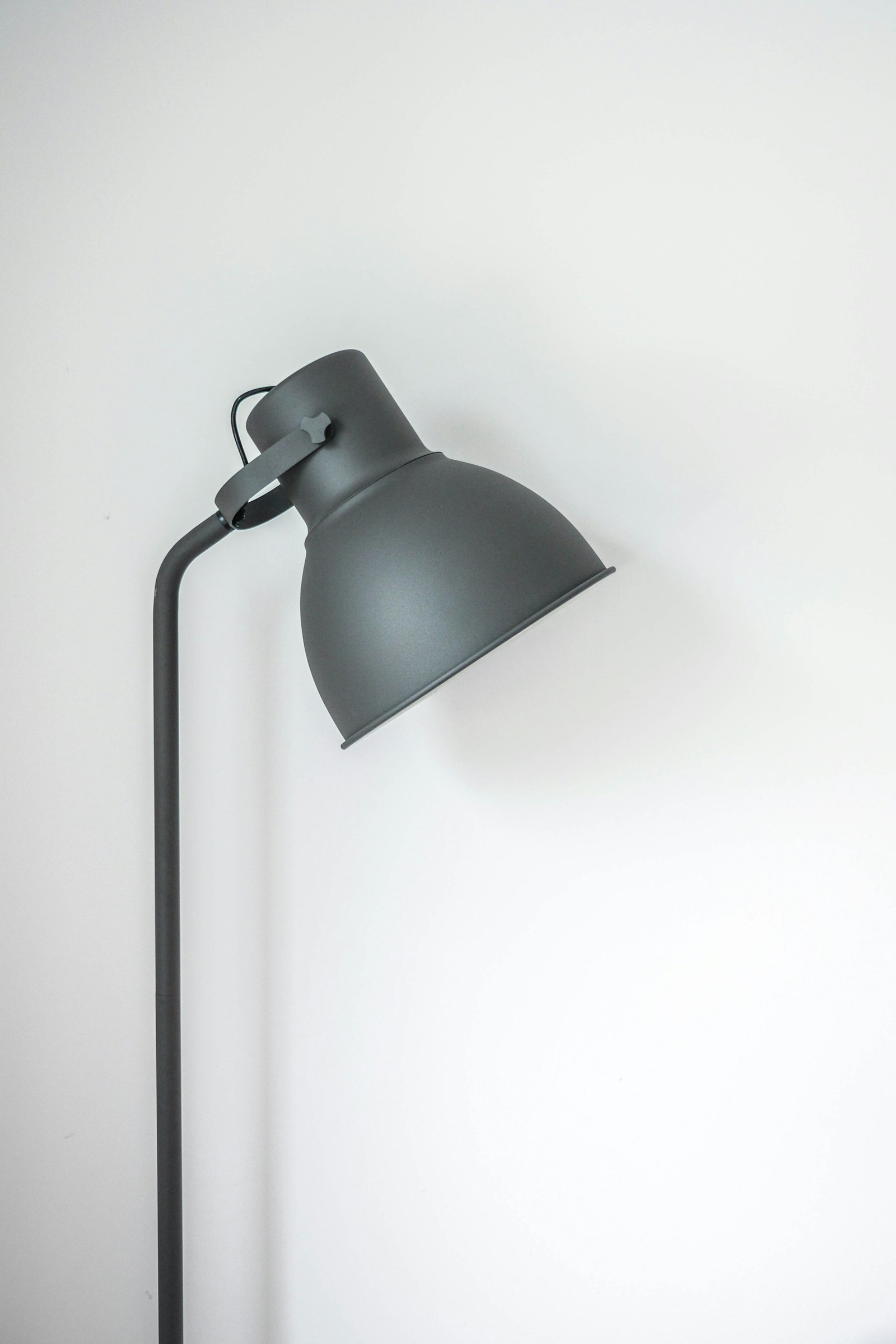
The most useful desk lamp is not necessarily the brightest or the most decorative. It should put enough light on the work in front of you while keeping the light source and its reflection out of your normal view. A lamp that works beautifully beside a notebook can become distracting beside a glossy screen.
Start with the task and the desk layout. Measure the area available for a base or clamp, note where the monitor sits, and decide whether the lamp needs to move between paper and keyboard work. These details make it easier to compare lamps without relying on broad claims about productivity or eye comfort.
Before you choose
- Choose the lamp reach and adjustment range around the area you actually use.
- A diffuser, a shielded light source, and useful dimming often matter more than maximum output.
- Check the base or clamp dimensions, power connection, and replacement options before buying.
Define the task area before choosing a shape
Place a notebook, keyboard, and any reference material as you normally use them. Identify the area that lacks light. A small lamp can serve a reading corner, but a broad work surface may need a longer light head or a more adjustable arm. Do not assume that one bright spot will illuminate the whole desk evenly.
For mostly screen-based work, you may need modest local light for notes and controls rather than a powerful beam across the monitor. For drawing or frequent paperwork, coverage and shadow control become more important. The lamp should fit your working arrangement without requiring you to move the screen into a worse position.
Compare the adjustment that you will really use
Look at the arm reach, height range, head tilt, and rotation. A long arm is only useful if its joints hold the head in the desired position. Product dimensions should show where the head can sit relative to the mounting point. Check reviews and return conditions for adjustment concerns, but do not treat a staged product image as proof of reach.
A stable base is easy to move between desk positions and usually needs no installation. A clamp frees the desktop but needs a compatible edge, suitable thickness, and clearance beneath the surface. Check for a rear apron, cable tray, or drawers before choosing a clamp. Follow the lamp instructions and avoid attaching it to an unsuitable surface.
Look for controllable, shielded light
A diffuser spreads light and can reduce the visibility of individual LEDs, but it does not guarantee freedom from glare. Position still matters. Prefer a head that can direct light toward the task while keeping the bright emitting surface outside your usual seated sightline. Reflections on a monitor can make an otherwise pleasant lamp a poor match.
Useful dimming lets you adapt to daylight and different tasks. Check whether the lowest setting is low enough for your room and whether the controls are easy to identify. Color-temperature adjustment is optional: it changes the appearance of the light, not the size of the area the lamp illuminates. A fixed setting you like can be entirely sufficient.
Read brightness specifications in context
Lumens describe total light output. Illuminance at the task surface is commonly expressed in lux and depends on distance, direction, and coverage. A listing that gives lux should state the measurement distance and position. Two lamps with similar lumen numbers can put very different amounts of useful light on the same notebook.
Avoid choosing from wattage alone. Electrical power consumption is not a direct measure of useful brightness, particularly across different lamp designs. Instead, consider output information alongside the head geometry, placement, and adjustment range. For detailed work or a workplace with formal lighting requirements, use the applicable guidance and a proper assessment rather than a generic shopping number.
Consider ownership after the first week
Check whether the lamp uses a replaceable bulb or an integrated LED module. A replaceable bulb offers more flexibility, provided the bulb size, rating, and dimmer compatibility match. An integrated lamp can be compact and adjustable, but repair and replacement depend on the manufacturer. Read the warranty and power-adapter availability before buying.
Once installed, evaluate the lamp in daylight and after dark with the screen both bright and dark. Adjust its position before increasing the output. Check that your hand does not block the main light while writing, that controls remain reachable, and that the cable does not pull when you reposition the head. These practical checks are more valuable than leaving every setting at maximum.
Options for the way you work
These are product types to compare, not hands-on test winners. Each link opens a retailer search where you can check current specifications, availability, and seller terms.
Adjustable lamp with a weighted base
Best for: A desk used for occasional paperwork and flexible arrangements.
The tradeoff: The base occupies surface space and must remain stable at full reach.
Check current options (opens a new tab)Clamp-mounted articulated task lamp
Best for: A fixed desk with a suitable edge and a larger reading area.
The tradeoff: Clamp compatibility and clearance under the desktop need checking.
Check current options (opens a new tab)Replaceable-bulb desk lamp
Best for: Someone who values simple controls and future bulb replacement.
The tradeoff: Bulb fit, heat limits, shade design, and dimming compatibility all matter.
Check current options (opens a new tab)A few common questions
How bright should a desk lamp be?
There is no single lumen number that fits every desk. The task, room lighting, distance, and light distribution change what reaches the work surface. Look for useful adjustment and evaluate the actual task area.
Is a clamp lamp always better for a small desk?
It saves base space, but only if the desktop edge and surrounding structure suit the clamp. A compact base can be easier in a rented or shared workspace where mounting options are limited.
Sources & further reading
Published references used to inform this guide. Product requirements can change; check the documentation for your exact equipment.
This article does not claim laboratory testing or personal ownership of the products discussed. Send a correction.